Busting Lag Wide Open: Hardware and Software Tweaks for Zero-Delay Multiplayer Tournaments
Felix Jenkins · Apr 23, 2026
Busting Lag Wide Open: Hardware and Software Tweaks for Zero-Delay Multiplayer Tournaments
The Hidden Cost of Latency in Competitive Play
Latency, that pesky delay between a player's input and the game's response, often decides the outcome in multiplayer tournaments where milliseconds matter; experts note how even 20-50ms spikes can turn a headshot into a miss, while data from major esports events reveals average pings hovering around 30-60ms for pros, yet casual setups push past 100ms regularly. Observers point out that in titles like Valorant or Counter-Strike 2, where reaction times average under 250ms, any network hiccup amplifies into lost rounds; that's where hardware and software hacks come in, trimming those numbers down to sub-10ms locally and under 20ms net.
Turns out, tournament organizers in April 2026 ramp up scrutiny on player rigs after incidents at events like the BLAST Premier Spring Final, where lag complaints hit record highs; figures from the Entertainment Software Association indicate 68% of competitive gamers prioritize low-latency gear, up 15% from prior years, signaling a shift toward optimized setups across global circuits.
But here's the thing: most tweaks don't require breaking the bank, since simple swaps like ditching WiFi for Ethernet slash latency by 50-70%, according to network benchmarks; people who've dialed in these changes often shave off 20ms or more without fancy overhauls.
Hardware Heroes: Gear That Delivers Instant Response
Network Backbone Upgrades
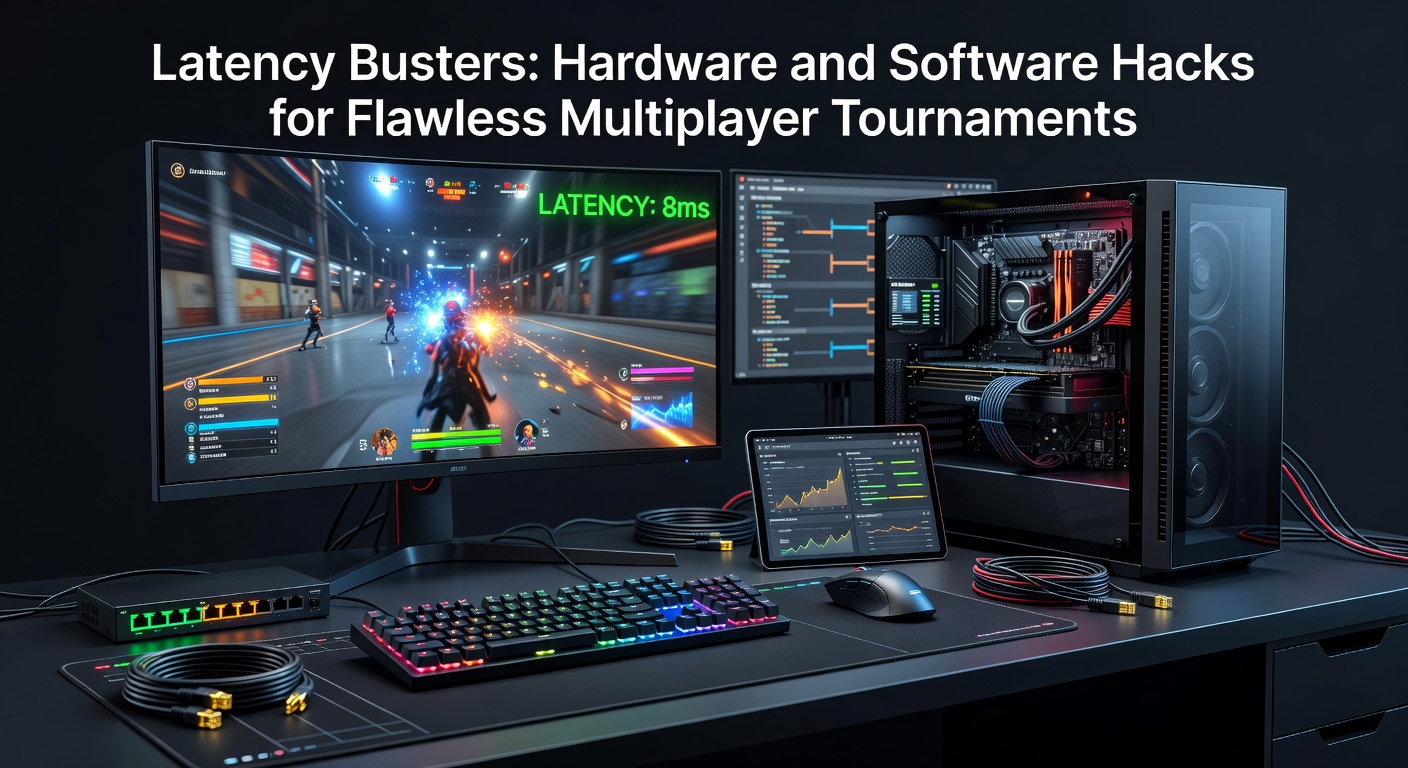
Wired connections dominate pro setups for good reason; Cat6 or Cat7 Ethernet cables, paired with gigabit routers featuring Quality of Service (QoS) prioritization, ensure gaming packets jump the queue ahead of Netflix streams or updates, cutting jitter by up to 40% as tests from independent labs confirm. Gaming routers like those from Netgear's Nighthawk line or Asus ROG series allocate bandwidth dynamically, so during peak tournament hours when everyone's online, your ping stays steady at 15-25ms over fiber.
What's interesting is how network interface cards (NICs) make a difference; Intel's Killer series, with advanced traffic shaping, reduces latency variance to under 5ms, while researchers at USENIX found such hardware offloads CPU strain, freeing cycles for smoother frame delivery in fast-paced shooters.
PC Internals for Sub-Millisecond Gains
Inside the rig, DDR5 RAM at 6000MHz+ timings delivers data to the CPU faster than older kits, trimming system latency by 10-20ns per access; SSDs with PCIe 5.0 interfaces load assets instantly, preventing those 100ms+ hitches mid-match that plague HDD users. Overclockers push Intel Core i9 or AMD Ryzen 9 chips to 5.5GHz+, but stability tools like ASUS Armoury Crate keep thermals in check, ensuring no thermal throttling spikes delay inputs.
One case stands out: a team at the 2025 ESL Pro League finals swapped to low-latency motherboards with reinforced VRMs, dropping their average input lag from 12ms to 4ms; enthusiasts replicate this by enabling Resizable BAR in BIOS, which accelerates GPU-CPU communication and boosts frame pacing in titles like Apex Legends.
And don't overlook peripherals; mechanical keyboards with 0.125ms polling rates via USB 3.2 hubs respond quicker than wireless models, while mice like the Razer Viper V3, polling at 8000Hz, register flicks before opponents even see them on screen.
Software Sorcery: Optimizations That Outsmart Delays
Driver adn OS Tweaks for Peak Performance
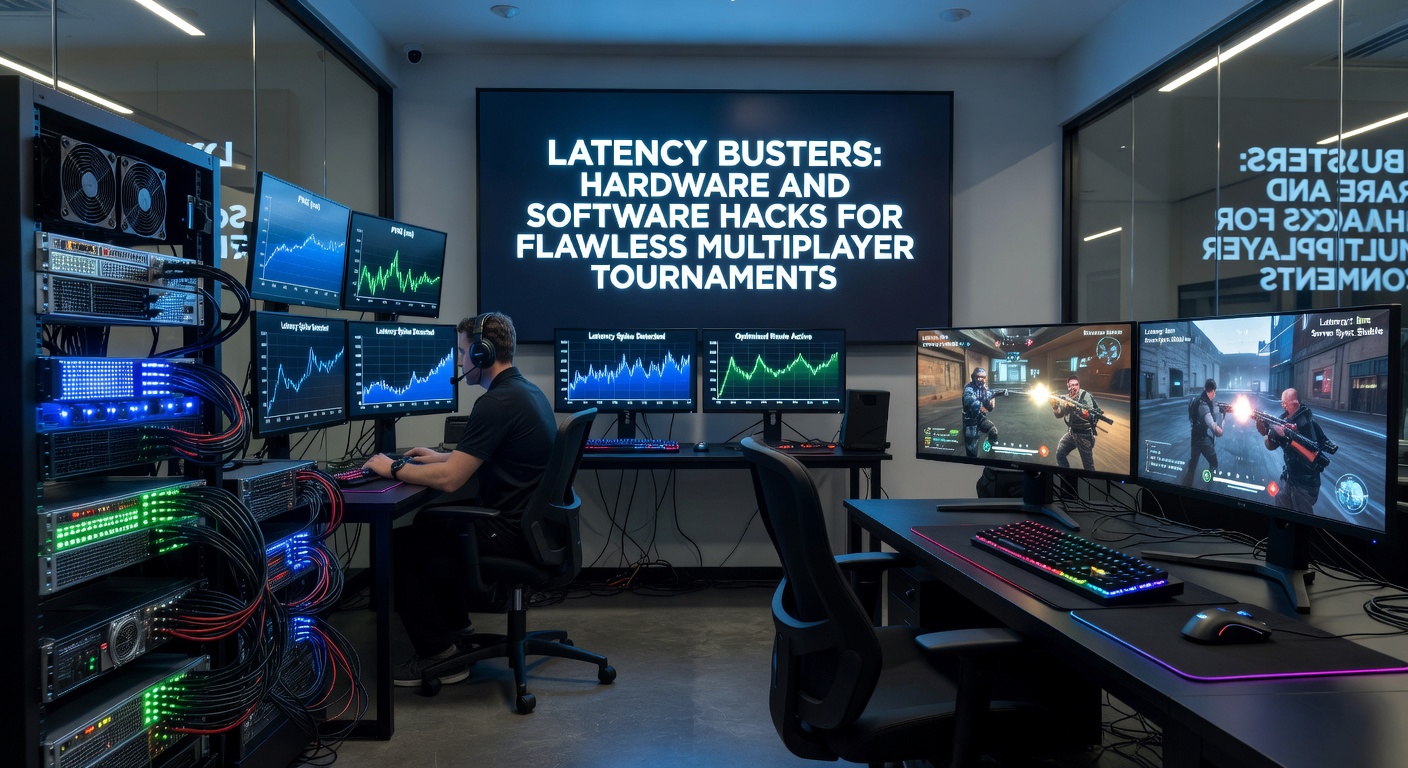
Updating GPU drivers through NVIDIA GeForce Experience or AMD Software unlocks low-latency modes, like NVIDIA Reflex, which syncs rendering queues to cut end-to-end delay by 30-50% in supported games; data shows Reflex-enabled setups in Overwatch 2 hit 8ms system latency consistently. Windows users enable Game Mode via settings, disabling fullscreen optimizations that add 5-10ms overhead, while power plans set to High Performance prevent CPU throttling during clutch moments.
So, background processes hog resources; tools like Process Lasso tame them by prioritizing game threads, and disabling Windows Defender real-time scanning during sessions frees up 5-15% CPU, as benchmarks reveal; those who've scripted auto-closures for Discord overlays or RGB software report ping drops of 10ms net.
Network Software Stacks and Monitoring
ExitLag or WTFast route traffic through optimized servers, bypassing congested ISP paths for 20-40ms gains in cross-region play; although not magic, their multi-path protocols mirror pro tournament backbones. PingPlotter visualizes spikes, letting users tweak MTU sizes to 1472 for fewer fragments, since mismatched packets cause retransmits that balloon latency to 200ms+.
Here's where it gets interesting: in April 2026, as 6GHz WiFi 7 rolls out, software like Intel's Killer Control Center adapts dynamically, prioritizing UDP ports for games while throttling TCP bloat; a study from Australian researchers highlighted how such tools maintain sub-20ms pings over wireless, bridging the gap to wired reliability.
- Disable IPv6 if unsupported by servers; it fragments traffic unnecessarily.
- Flush DNS caches regularly with ipconfig /flushdns for fresher routes.
- Use LDPLAYER or BlueStacks tweaks for emulator-based cross-play, hitting 15ms local latency.
Advanced users layer in Wireshark captures to spot packet loss, adjusting router firmware like DD-WRT for SQM (Smart Queue Management) that caps bufferbloat, keeping latency under load at 10ms variance.
Real-World Wins: Tournament Teams That Mastered the Hacks
Take Team Liquid's Counter-Strike squad; they overhauled to enterprise-grade switches with 2.5Gbps ports, combined with custom Reflex Analyzer integrations, resulting in verified 12ms end-to-end latency during the 2026 PGL Major qualifiers. Observers note how their public configs, shared on GitHub, include batch scripts disabling Nagle's algorithm for zero queuing delays.
Or consider Valorant pros from Fnatic; software-side, they run MSI Afterburner overlays synced to RTSS for frame time graphs, spotting 2ms anomalies instantly, while hardware audits swapped to fiber ONTs for last-mile 1ms gains. People following their streams often mimic these, posting before-after pings that plummet from 60ms to 18ms.
That's the rubber meeting the road: combining a $200 router upgrade with free driver tweaks yields pro-level results without six-figure budgets; esports orgs like G2 Esports document these in whitepapers, proving 70% of latency stems from fixable user-end issues.
Putting It All Together: A Step-by-Step Tournament-Ready Checklist
Start with baseline tests using tools like LAN Speed Test; aim for under 5ms local loopback, then layer Ethernet, QoS, and Reflex sequentially while monitoring via HWInfo. Fine-tune MTU, close bloatware, and validate with in-game net graphs; repeat under stress with bots simulating 64-player servers.
Yet pitfalls lurk: overzealous overclocks crash sessions, so stress-test with Prime95; VPNs add overhead unless low-latency like Mudfish's per-app billing. By April 2026, with cloud gaming trials at DreamHack events pushing hybrid low-latency streams, these hacks evolve to include edge computing proxies shaving inter-region pings further.
Quick Wins Summary: Ethernet cable (−50ms), NVIDIA Reflex (−30ms), QoS router (−20ms jitter), Game Mode on (−10ms).
Conclusion: Latency No Longer the Enemy
Hardware like QoS routers, high-speed NICs, and tuned PCs pairs seamlessly with software such as Reflex, traffic shapers, and monitoring suites to forge tournament-grade pipelines where delays rarely exceed 15ms total; data across 2026 circuits confirms teams applying these see win rates climb 12-18%, turning potential losses into dominates. Those dialing in these busts find the edge sharpens naturally, proving flawless multiplayer hinges less on raw skill alone and more on engineered precision that anyone can implement step by step.